

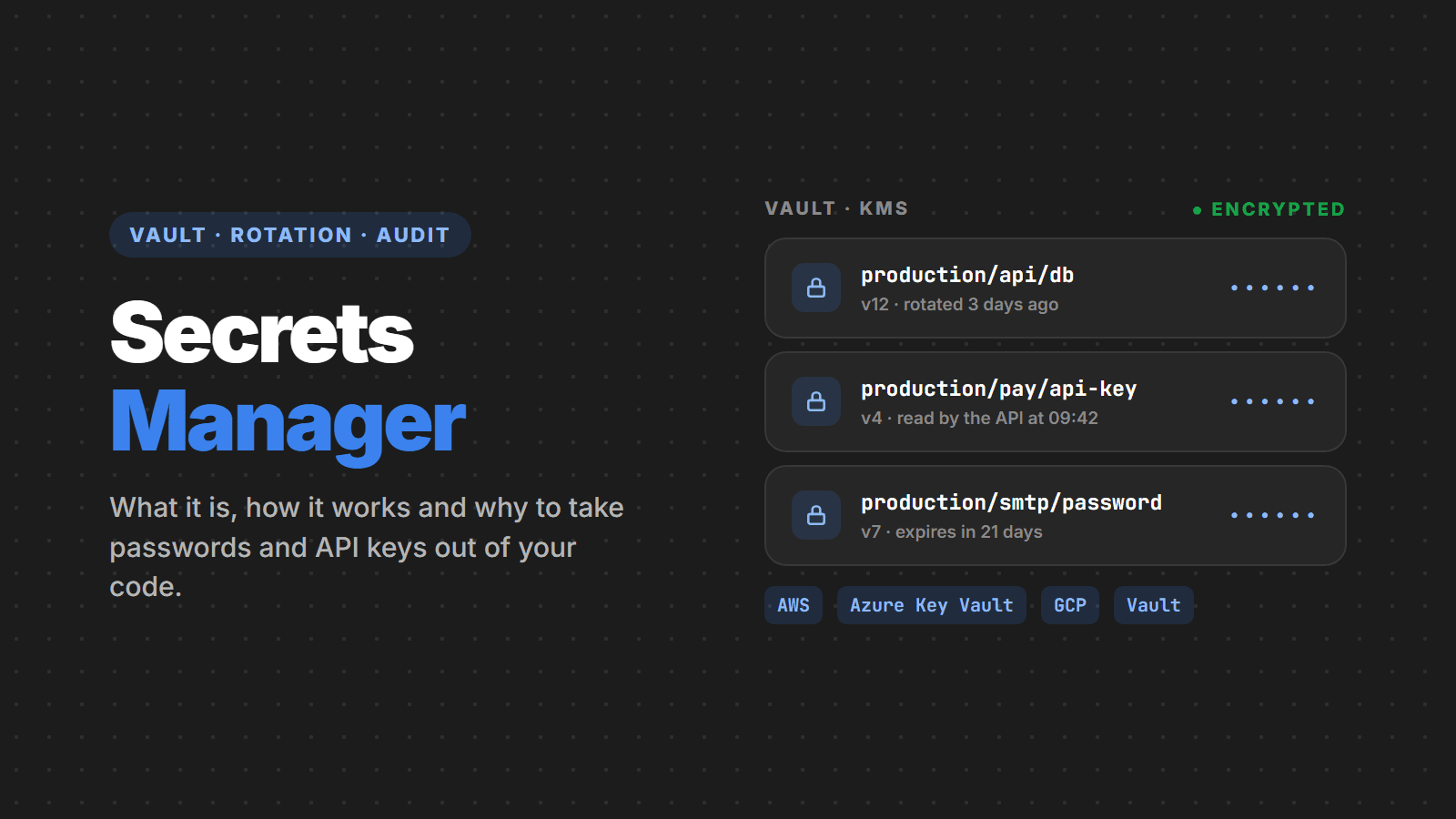
Every application has secrets: the database password, the payment API key, the WhatsApp token, the SMTP credential, the certificate used to sign in with the identity provider. And almost every application starts by storing those secrets the easiest way: in appsettings.json, in a .env committed “just for now”, or in a variable copied by hand to the server. In this article, we explain what a Secrets Manager is, how it works, which options are most used, such as AWS Secrets Manager, Azure Key Vault, Google Secret Manager and HashiCorp Vault, and when it is worth using one.
What a Secrets Manager is
A Secrets Manager is a centralized vault for credentials. Instead of every server, pipeline or developer keeping their own copy of the database password, they all ask the vault for the value when they need it. The vault stores the secret encrypted, decides who can read each one, logs every access and lets you change the value (rotate it) without touching the code.
In practice, it changes the question from “where is the password?” to “who is allowed to ask for the password?”. And the answer to that second question is a policy you control, audit and revoke in one place.
The problem it solves
Scattered secrets are one of the most common and cheapest attack vectors to exploit, and the problem is growing. GitGuardian’s State of Secrets Sprawl 2026 report, published in March, shows:
- 28.6 million new secrets exposed in public GitHub repositories in 2025, up 34% from the previous year, the largest jump ever recorded;
- 64% of the valid secrets found in 2022 still worked four years later: whoever leaked them usually never changed them;
- internal repositories are 6 times more likely to contain hardcoded secrets than public ones, and 28% of incidents never touched code at all: they happened in Slack, Jira and Confluence;
- leaked AI service keys rose 81%, to 1.27 million, and MCP server configuration files published on GitHub alone exposed more than 24,000 secrets.
The most common paths:
- Secret in the code or repository. A committed
.envorappsettings.Production.jsonstays in Git history forever, even if the file is deleted later. - Secret copied to many places. The same password on the server, in the CI pipeline, on three developers’ laptops and in a chat message. Nobody knows how many copies exist, so nobody changes it.
- Secret that never changes. The database password created on the first deploy is still the same years later, known even by people who have left the company.
- Secret in logs and Docker images. Environment variables show up in error dumps, in
docker inspectand in image layers published by mistake. - Secret in AI agent configuration. Files such as
mcp.jsonand prompts with a key pasted in “to test” have become a new source of leaks, because they are created quickly and committed without review.
A Secrets Manager does not eliminate the secret, but it takes it out of those places and puts it in a single protected spot, with an owner, an access rule and a history.
How it works
Products vary, but they all work in a similar way:
- Encrypted storage. The secret is stored encrypted with a master key kept in a key service (KMS) or dedicated hardware (HSM). Not even the people who run the storage can read the plain-text value.
- Identity instead of a password to get the password. The application authenticates to the vault with the identity of the infrastructure itself: an IAM Role on AWS, a Managed Identity on Azure, a Service Account on Google Cloud or Kubernetes. So there is no “vault password” to hide.
- Access policy. Each secret has rules: the production API reads the production database password, the staging environment does not. A developer can have access to staging and no access to production.
- Read at runtime. The application fetches the value at startup (or periodically) and keeps it in memory. The secret is not on disk, in the repository or in the image.
- Versioning and rotation. Every change creates a new version. Some services change the password in the database and in the vault at the same time, on a schedule you define.
- Auditing. Every read is logged (in CloudTrail, Azure Monitor, Cloud Audit Logs): who read it, which secret, when and from where.
Secrets Manager vs environment variable vs .env file
Environment variables are a good delivery mechanism, but they are not a storage place. The question is always: where did the value in the variable come from?
| .env in the repository | Manual environment variable | Secrets Manager | |
|---|---|---|---|
| Encrypted at rest | No | Depends on the server | Yes |
| Control over who reads | Anyone with repository access | Anyone with server access | Policy per secret and per identity |
| Access log | No | No | Yes, every read |
| Rotation | Manual, everywhere | Manual, server by server | Centralized, sometimes automatic |
| Risk of leaking through Git | High | Low | Low |
| Cost | Zero | Zero | Cents per secret per month |
A .env is still great for local development, with fake values or values from a disposable environment, and always listed in .gitignore.
The most used options
- AWS Secrets Manager: the AWS vault, with native automatic rotation for RDS, Aurora, Redshift and DocumentDB and custom rotation through Lambda. In 2026 it gained managed external secrets, which rotate credentials for 14 third-party services such as Salesforce, Snowflake, Datadog, GitLab, MongoDB Atlas, Databricks and Twilio without a Lambda; EventBridge events on every value change; and, since November, cross-account replication, to keep a synchronized copy in a recovery account. It costs US$0.40 per secret per month plus US$0.05 per 10,000 calls. For simple, non-sensitive settings, SSM Parameter Store is a cheaper alternative.
- Azure Key Vault: stores secrets, encryption keys and certificates in the same service, with a managed HSM option. It integrates directly with Managed Identity, App Service, Azure Functions and .NET’s
IConfiguration. Since API version2026-02-01, new vaults are created with Azure RBAC as the default access control model instead of the old access policies, and earlier management API versions will be retired on February 27, 2027: scripts, Bicep/Terraform templates and old Azure CLI versions must be updated by then. - Google Secret Manager: versioned secrets, with regional (and, since June 2026, multi-region) replication, IAM integration and rotation notifications through Pub/Sub. Syncing to Kubernetes Secrets on GKE became generally available in April 2026, and automatic Cloud SQL password rotation without custom code has been in preview since July.
- HashiCorp Vault (and its open fork OpenBao): runs anywhere, including your own infrastructure. Besides storing secrets, it generates dynamic credentials: a database user created on demand, valid for one hour, that deletes itself. Vault 2.0, released in April 2026 under IBM’s support lifecycle, now authenticates to AWS, Azure and Google Cloud through identity federation (OIDC), with no static keys. OpenBao, maintained by the community under the Linux Foundation, remains the open source alternative. More powerful, but you have to operate and protect the cluster yourself.
- Infisical, Doppler and 1Password Secrets Automation: platforms focused on developer experience that sync secrets to Vercel, GitHub Actions, Kubernetes and several clouds at once.
If you are already on a cloud, its vault is usually the simplest choice: identity-based authentication is built in and the cost is low. Vault and the independent platforms make more sense with multiple clouds, your own servers or the need for dynamic credentials.
In practice: .NET with Azure Key Vault
In ASP.NET Core, Key Vault becomes one more IConfiguration source. The code keeps reading builder.Configuration["ConnectionStrings:Default"] as always, and the value now comes from the vault:
// dotnet add package Azure.Extensions.AspNetCore.Configuration.Secrets
// dotnet add package Azure.Identity
using Azure.Identity;

var builder = WebApplication.CreateBuilder(args);

// Managed Identity on Azure; az login / Visual Studio on the dev machine
builder.Configuration.AddAzureKeyVault(
    new Uri("https://cpw-production.vault.azure.net/"),
    new DefaultAzureCredential());

// the "ConnectionStrings--Default" secret in the vault becomes "ConnectionStrings:Default" here
var conn = builder.Configuration.GetConnectionString("Default");
There is no vault password in appsettings.json: DefaultAzureCredential uses the App Service Managed Identity in production and the developer’s login on the local machine. Just give the application’s identity the Key Vault Secrets User role on the right vault. Since RBAC is now the default for new vaults, this is the recommended path; for older vaults still on access policies, plan the migration.
In practice: Node.js with AWS Secrets Manager
// npm i @aws-sdk/client-secrets-manager
import { SecretsManagerClient, GetSecretValueCommand } from '@aws-sdk/client-secrets-manager'

const client = new SecretsManagerClient({ region: 'sa-east-1' })

// the credential comes from the Lambda, ECS or EC2 IAM Role, not from the code
const { SecretString } = await client.send(
  new GetSecretValueCommand({ SecretId: 'production/api/database' })
)
const { username, password, host } = JSON.parse(SecretString)
Fetch the secret once at startup and keep it in memory, or use a cache with a short expiration. Calling the vault on every request makes the application slower and the bill higher.
Rotation: the most forgotten feature
Storing a secret that never changes solves only half the problem. Rotation limits the damage of a leak you have not discovered yet: if the leaked password has already been changed, it no longer opens anything.
- Automatic: for managed databases on AWS, Secrets Manager changes the password in the database and in the vault on a schedule (every 30 days, for example), and now does the same for keys from several SaaS products through managed external secrets. On Google Cloud, managed Cloud SQL rotation is in preview. On Azure, Key Vault signals when a secret is about to expire and triggers a Function that performs the change.
- With two credentials: for third-party APIs, keep two valid keys, rotate one at a time and only revoke the old one after every instance has picked up the new one.
- Dynamic credentials: with Vault or OpenBao, each instance gets its own temporary credential. There is no shared password to rotate.
For the application to survive rotation, it must re-read the secret when a connection fails because of an invalid credential, or reload configuration periodically. AddAzureKeyVault accepts a ReloadInterval for that.
Common mistakes
- Swapping the secret for the vault credential. Storing the password in the vault and the vault access key in
appsettings.jsonsolves nothing. Use a managed identity (IAM Role, Managed Identity, Workload Identity). - One vault for everything. Production and staging in the same vault, with the same permission, break environment separation. Use separate vaults or prefixes, with separate policies.
- Broad permissions. “Read all secrets” for the whole application. Give each service access only to the secrets it uses.
- Logging the value. A
console.log(config)at startup dumps everything into the log. Never print whole configuration objects. - Forgetting Git history. Moving the secret to the vault does not erase the old committed version. A secret that has ever been in the repository must be treated as leaked and changed, not just removed. The 64% of 2022 keys still valid show how often this step gets postponed.
- Pasting the key into chat or an agent. A password sent on Slack, attached to a Jira ticket or written into a coding assistant’s
mcp.jsonis also a leaked secret. Configure agents and MCP servers to read from the vault or from environment variables. - Vault as a database. A Secrets Manager is for credentials, not for regular configuration (URLs, feature flags, limits). Those belong in
appsettings, Parameter Store or App Configuration.
When it is worth it
It is worth it when the application has more than one environment, more than one person with deploy access or any sensitive customer data. In other words: almost always when the system is in production. The cost is low (a few dollars a month for most projects) and adoption, in an application that already reads configuration from a single place, usually takes hours, not weeks.
For a static site or a prototype without real data, a .env outside the repository and the hosting platform’s secret variables (Vercel, GitHub Actions, App Service) are already a good start.
Checklist
- No secrets in the repository, not even in sample files; secret scanning (GitHub Secret Scanning, Gitleaks) enabled in CI
- Production secrets in a Secrets Manager, separate from staging ones
- The application reaches the vault through a managed identity, with no fixed key
- Each service reads only the secrets it uses
- Rotation defined for database passwords and API keys, with a date and an owner
- Vault access logs enabled and alerts for unusual reads
- Secrets that leaked or were ever in Git have been changed
- The deploy pipeline reads from the vault or the platform’s secret variables, never from plain text in YAML
- AI agent and MCP server configurations hold no plain-text keys
- On Azure: scripts and templates on API version
2026-02-01or later before 02/27/2027, with vaults on RBAC
Sources
- GitGuardian: State of Secrets Sprawl 2026
- AWS: What is AWS Secrets Manager
- AWS: cross-account secret replication (November 2026)
- AWS: managed external secrets for third-party services
- Microsoft Learn: Azure Key Vault overview
- Microsoft Learn: Azure RBAC as the Key Vault default and retirement of older APIs
- Microsoft Learn: Key Vault configuration provider in ASP.NET Core
- Google Cloud: Secret Manager overview and release notes
- InfoQ: HashiCorp Vault 2.0 and IBM’s support lifecycle
- HashiCorp Vault: dynamic database credentials
- OWASP: Secrets Management Cheat Sheet
Need help?
Want to take passwords out of your code, organize production secrets in a vault or set up automatic rotation without taking the system down? Talk to us: we migrate to AWS Secrets Manager, Azure Key Vault or the right tool for your case, one environment at a time.