

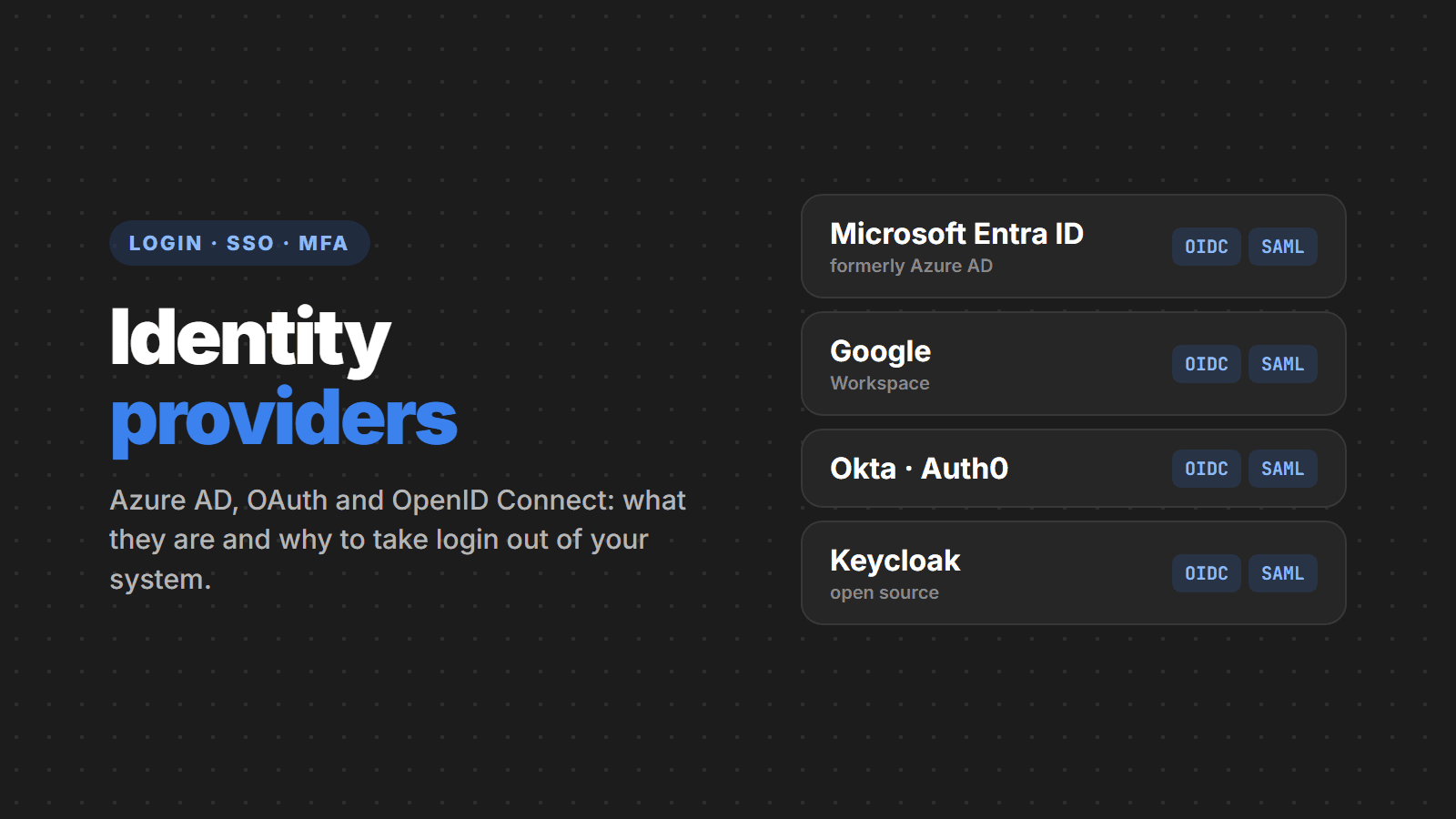
Every system starts with the same screen: email and password. And almost every system ends up building the same thing from scratch: sign-up, password hashing, email recovery, lockout after failed attempts, two-factor authentication, sessions, logout. It is code that does not set your product apart and that, if it has a flaw, opens the door to everything else. In this article we explain what an identity provider is, where names like Azure AD (now Microsoft Entra ID), OAuth 2.0, OpenID Connect and SAML fit in, and why delegating login is usually the safest and cheapest decision.
What an identity provider is
An identity provider (IdP) is the service responsible for answering one question: who is this person? It stores the accounts, checks the password or passkey, requires the second factor, applies the access rules and, at the end, hands your application a signed document saying “this is user X, authenticated just now, with these attributes”.
You already use identity providers every day: the “Sign in with Google” button, signing in with your work Microsoft account to open Teams, accessing the company system without typing another password. In all these cases, the application never sees your password. It only receives confirmation of who you are.
In technical terms, the application that trusts the provider is called the Relying Party (in OpenID Connect) or the Service Provider (in SAML). What matters is the split of responsibilities: the provider handles identity, the application handles the business.
Azure AD, OAuth, OIDC, SAML: what each one is
Much of the confusion comes from mixing products with protocols. Azure AD is a product. OAuth is a protocol. They are not alternatives: Azure AD speaks OAuth.
The products (the providers)
- Microsoft Entra ID (formerly Azure AD): Microsoft's identity directory, included with every Microsoft 365 tenant. Microsoft renamed it in 2023, but the service, the APIs and the login endpoints stayed the same. It is the natural choice for internal systems at companies that already use Microsoft 365.
- Microsoft Entra External ID: the version for customers and partners (so-called CIAM), successor to Azure AD B2C, which stopped being sold to new customers in 2025.
- Google: sign-in with Google and Google Workspace accounts, widely used in consumer apps.
- Okta and Auth0 (by Okta): independent cloud platforms, strong on ready-made integrations and on customizing the login flow.
- Amazon Cognito: AWS's provider, common in applications that already run there.
- Keycloak: an open source provider you host on your own infrastructure. No license cost, but you pay in running, updating and securing it.
The protocols (the language they speak)
- OAuth 2.0: an authorization protocol. It answers “can this app access that resource on behalf of the user?” by issuing an access token. It is what lets a system read your Google calendar without knowing your password. On its own, OAuth does not say who the user is.
- OpenID Connect (OIDC): an authentication layer on top of OAuth 2.0. It adds the ID token, a signed JWT with the user's identity. When a site says “login with OAuth”, it is almost always using OIDC.
- SAML 2.0: an older, XML-based standard, still very common in enterprise systems and cross-company SSO. It works well for web applications but is awkward for mobile apps and SPAs.
| Protocol | Answers | Issues | Where you see it |
|---|---|---|---|
| OAuth 2.0 | What can this app access? | Access token | APIs, system-to-system integrations |
| OpenID Connect | Who is the user? | ID token (JWT) + access token | Sign-in for websites, SPAs and mobile apps |
| SAML 2.0 | Who is the user? | Signed XML assertion | Enterprise SSO and legacy systems |
How a login with an identity provider works
The flow recommended today for websites, SPAs and apps is Authorization Code with PKCE. In short:
- The user clicks “Sign in”. The application redirects them to the provider, stating who it is (
client_id), where to return and what it needs (scope). - The provider shows the login screen, checks the password, passkey or second factor and applies the company's policies (country, device, time of day).
- If everything checks out, the provider sends the user back to the application with a one-time code.
- The application exchanges that code, directly with the provider, for the tokens: the ID token (who the user is) and the access token (to call APIs).
- The application validates the ID token's signature, creates the session and that's it: the user is in, and the password never touched your server.
The first redirect, in the case of Entra ID, looks like this:
GET https://login.microsoftonline.com/{tenant-id}/oauth2/v2.0/authorize
    ?client_id={app-id}
    &response_type=code
    &redirect_uri=https://app.yourcompany.com/signin-oidc
    &scope=openid profile email
    &state={random-value}
    &code_challenge={verifier-hash}
    &code_challenge_method=S256
The state protects against request forgery, and the code_challenge/verifier pair (PKCE) ensures that only whoever started the login can exchange the code for tokens. The ID token that comes back, once decoded, looks something like this:
{
  "iss": "https://login.microsoftonline.com/{tenant-id}/v2.0",
  "aud": "{app-id}",
  "sub": "AAAAAAAAAAAAAAAAAAAAAIkzqFVrSaSaFHy782bbtaQ",
  "name": "Maria Souza",
  "email": "[email protected]",
  "tid": "{tenant-id}",
  "iat": 1794326400,
  "exp": 1794330000
}
Why use an identity provider
1. Passwords stop being your problem
If your database does not store passwords, a database leak does not leak passwords. The provider handles hashing, brute-force protection, leaked-password detection and account recovery, things that large teams get wrong and small teams never get around to building.
2. MFA and passkeys without writing a line
According to Microsoft, multi-factor authentication blocks more than 99.9% of account compromise attacks. With a provider, turning on MFA, authenticator apps, passkeys (FIDO2/WebAuthn) or passwordless sign-in is configuration, not a project.
3. One login for every system (SSO)
Employees sign in once and access the ERP, the CRM, the intranet and the custom applications. Fewer passwords means fewer weak passwords, fewer sticky notes on the monitor and fewer “I forgot my password” tickets.
4. Offboard the employee, offboard the access
In practice, this is the strongest argument for companies. When each system keeps its own user list, someone always forgets to remove the access of whoever left. With Entra ID, disabling the account cuts access to everything integrated, immediately.
5. Conditional access and auditing
Enterprise providers support rules such as “finance is only accessible from company devices” or “sign-ins from abroad require MFA”, and they log who signed in, when and from where. Those logs help with incident response and with demonstrating access control in audits and for privacy regulations such as GDPR and Brazil's LGPD.
6. Less code to maintain
Sign-up, password recovery, email verification, lockout, MFA and sessions become the responsibility of a specialized service. Your team writes what sets the product apart.
In practice: protecting a .NET application with Entra ID
In ASP.NET Core, the Microsoft.Identity.Web library does almost all the work. After registering the application in the Entra ID portal, sign-in for a web app looks like this:
// Program.cs
builder.Services
    .AddAuthentication(OpenIdConnectDefaults.AuthenticationScheme)
    .AddMicrosoftIdentityWebApp(builder.Configuration.GetSection("AzureAd"));

builder.Services.AddAuthorization(o =>
{
    // no page opens without signing in
    o.FallbackPolicy = o.DefaultPolicy;
});
// appsettings.json (the secret lives in Key Vault or an environment variable)
"AzureAd": {
"Instance": "https://login.microsoftonline.com/",
"TenantId": "{tenant-id}",
"ClientId": "{app-id}",
"CallbackPath": "/signin-oidc"
}For an API, the pattern is to receive the access token in the Authorization: Bearer header and validate issuer, audience and signature on every request:
builder.Services
    .AddAuthentication(JwtBearerDefaults.AuthenticationScheme)
    .AddMicrosoftIdentityWebApi(builder.Configuration.GetSection("AzureAd"));
In Node.js and Next.js, libraries such as Auth.js and openid-client play the same role, and since every provider speaks OIDC, switching from Entra ID to Google, Okta or Keycloak is usually just configuration.
The most common integration mistakes
- Using the access token as proof of login. The access token is for the API. What says who the user is, is the OIDC ID token.
- Not validating the token. Signature, issuer (
iss), audience (aud) and expiry (exp) must be checked on every request. The official libraries do it; homegrown code tends to forget. - Accepting any tenant. Multi-tenant Entra ID apps that use the
commonendpoint must checktid, or any Microsoft account in the world can get in. - Implicit flow. The implicit flow returns tokens straight in the URL and is discouraged by current OAuth best practices (RFC 9700). Use Authorization Code with PKCE.
- Secrets in the front end or the app. SPAs and mobile apps cannot keep a secret. They are public clients and must use PKCE.
- Tokens in localStorage. Any script injected into the page can read localStorage. Prefer server-side
HttpOnly,Securecookies or the backend for frontend pattern. - Overly broad permissions. Request only the
scopesyou need and use the provider's app roles and groups to decide who can do what.
Which provider to choose
| Scenario | Most common choice |
|---|---|
| Internal systems at a company on Microsoft 365 | Microsoft Entra ID |
| Internal systems at a company on Google Workspace | Google, or a provider that federates with it |
| App or portal for end customers | Entra External ID, Auth0, Cognito or Firebase Authentication |
| Many third-party systems and enterprise SSO | Okta or Entra ID |
| Requirement to run everything on your own infrastructure | Keycloak |
A few checks apply to any choice: look at the pricing model (many charge per monthly active user, which adds up in consumer apps), where data is stored and whether the provider speaks OIDC and SAML. Sticking to the standard protocols is what keeps you from being locked in to a vendor.
When it is not worth it
It almost always is. The exceptions are rare: systems with no internet access, very specific regulatory requirements about where identity is processed, or cases where the per-user cost breaks the business model. Even then, the answer is usually a self-hosted provider such as Keycloak, not going back to storing passwords in the users table.
Checklist
- The application stores no passwords, only the user identifier (
suboroid) from the provider - Sign-in with OpenID Connect, Authorization Code flow with PKCE
- Tokens validated on every request (signature,
iss,aud,exp) - MFA required, preferably with passkeys or an authenticator app
- Permissions based on the provider's roles and groups, not lists in code
- App secrets and certificates in a vault (Key Vault or equivalent), with a renewal date
- Employee offboarding done in a single place
- Sign-in logs reviewed and alerts for suspicious access
Sources
- Microsoft Learn: new name for Azure AD (Microsoft Entra ID)
- Microsoft Learn: Authorization Code flow on the identity platform
- IETF RFC 6749: OAuth 2.0, RFC 7636: PKCE and RFC 9700: OAuth 2.0 Security Best Current Practice
- OpenID Foundation: OpenID Connect Core 1.0
- Microsoft Security Blog: MFA and 99.9% of account attacks
Need help?
Want to take login out of your system, integrate your company's applications with Entra ID or Google, or add SSO and MFA to a customer portal? Talk to us: we integrate with the right provider for your case, without disrupting the people who already use the system.