

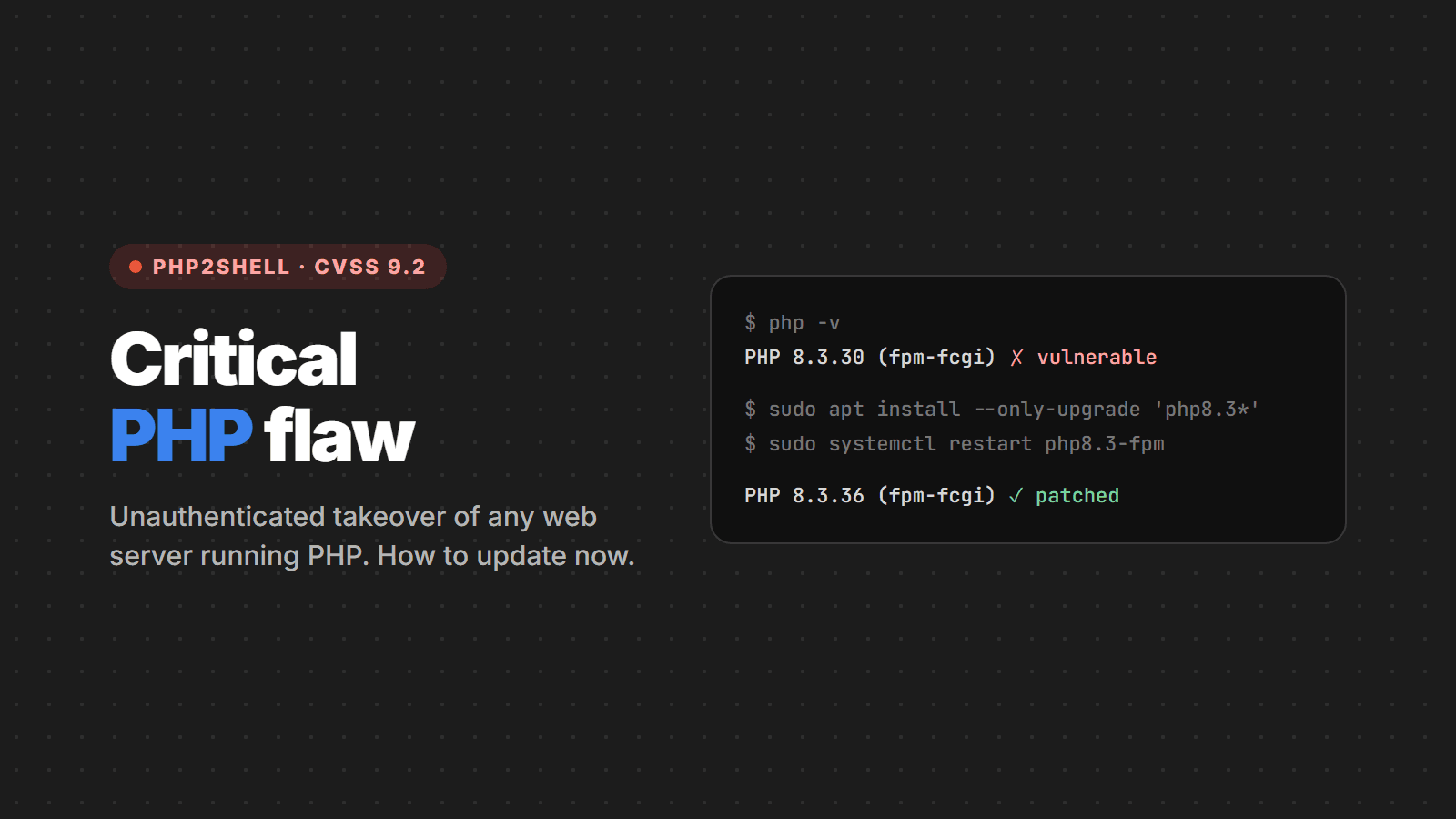
On October 21, 2026, the PHP project shipped an out-of-cycle security release to fix two critical flaws in the interpreter itself: CVE-2026-109618 and CVE-2026-109619, nicknamed PHP2Shell. Both are rated 9.2 on CVSS v4.0 and, under certain conditions, allow unauthenticated remote code execution: someone on the internet can run commands on your server without logging in and without relying on any bug in your site.
This is not a WordPress, Laravel or Magento problem. It is a PHP problem. If your server answers web requests with PHP, it is at risk. In this article we gather what the official sources have confirmed, what to do now and how to mitigate if you cannot update today.
Summary for the busy
- Update now to PHP 8.5.12, 8.4.27, 8.3.36 or 8.2.35 and restart every PHP process.
- Every installation serving web requests is affected: PHP-FPM, Apache with mod_php, php-cgi, FrankenPHP and LiteSpeed.
- PHP 8.1 or older no longer gets an official fix. Look for your distribution's or extended-support vendor's patched package, or upgrade.
- The temporary mitigations are partial. According to the PHP team itself, only updating solves it.
- Running WordPress? There is no WordPress update for this. What needs updating is the server's PHP.
What the flaws are
Both flaws live in the PHP engine's memory management and error handling, code that nearly every request goes through. That is why the impact is so broad.
| CVE | What happens | Trigger |
|---|---|---|
| CVE-2026-109618 | An out-of-memory (OOM) error interrupts PHP while internal request data is only partially initialized. During request cleanup, that invalid data is treated as valid. | A request that pushes the process to memory_limit at the right moment |
| CVE-2026-109619 | Internal state owned by one request survives after its memory has been freed (use-after-free). The next request handled by the same worker uses that stale state before normal initialization. | A fatal error or timeout the attacker can provoke |
The most severe scenario, according to the official announcement, is Apache with mod_php: an exploit was demonstrated that fires with an unauthenticated request before any application code runs. Up-to-date plugins, an in-CMS application firewall and clean code do not stop the attack.
Sansec, an e-commerce security research firm, reported reproducing unauthenticated remote execution against recent versions of WordPress, Drupal, Joomla, Magento, Laravel, Symfony, Nextcloud, phpMyAdmin, Roundcube, MediaWiki and WHMCS. According to the same research, every known trigger arrives through multipart/form-data requests, and the vulnerable code has existed since PHP 5.4, released in 2012.
Why the fix was rushed
Disclosure did not go as planned. According to the PHP Foundation, the first sign of the memory problem appeared in 2024 during an external audit, but the fix stalled for months between competing approaches. Between August and September 2026, audits and independent researchers reported the same root cause with working exploits.
- Oct 20, ~15:00 UTC: the CVE numbers leaked, with the wrong date and score (10.0 instead of 9.2).
- Oct 20, 19:30 UTC: PHP published its notice early and moved the release from October 22 to October 21.
- Oct 20, ~20:00 UTC: a proof-of-concept video was published by mistake and spread.
- Oct 21, 14:00 UTC: the fixed versions ship.
At release time, the PHP team said it had not found working exploits in circulation. Sansec, however, relayed a Cloudflare report of attack attempts at 07:43 UTC on the 21st, before the release. When in doubt, treat it as an actively exploited flaw: that is what justifies the urgency.
Step 1: find out which PHP you run
The command-line PHP is not always the one serving the site. Check what the web server actually uses:
- WordPress: under Tools > Site Health > Info > Server.
- Hosting control panel (cPanel, Plesk, aaPanel etc.): usually under "PHP Version" or "PHP Selector".
- Your own server: through the installed binaries and running services.
# installed versions and active FPM services
php -v
ls /usr/sbin/php-fpm* 2>/dev/null
systemctl list-units --type=service | grep -i php

# Apache with mod_php?
apachectl -M 2>/dev/null | grep -i php
A note on Linux distributions: Debian, Ubuntu, RHEL and derivatives usually apply the fix to the package without changing the version number to 8.3.36, for example. In that case, the reliable way to know whether you are patched is to look for the CVE in the package changelog:
# Debian / Ubuntu (installed package)
zcat /usr/share/doc/php8.3-fpm/changelog.Debian.gz | grep -E "CVE-2026-10961(8|9)"

# RHEL / AlmaLinux / Rocky
rpm -q --changelog php-fpm | grep -E "CVE-2026-10961(8|9)"
Step 2: update and restart
Distributions and extended-support vendors received the fixes in advance. Update through the package manager and restart the PHP processes: as long as an old worker is alive, it remains vulnerable.
# Debian / Ubuntu (adjust to your version)
sudo apt update
sudo apt install --only-upgrade 'php8.3*'
sudo systemctl restart php8.3-fpm
sudo systemctl restart apache2   # if you use mod_php

# RHEL / AlmaLinux / Rocky
sudo dnf upgrade 'php*'
sudo systemctl restart php-fpm httpd
A few things that tend to get left behind:
- Docker: the image does not update itself. Pull the new base image, rebuild and redeploy every service.
- Remi repository: the official announcement warned that the volunteer-run
rpms.remirepo.netwould not have packages on release day. Use your distribution's packages or build from source. - Shared and managed hosting: many providers are already updating and applying WAF rules, but confirm with support. On panels with a PHP selector, every available version must be patched.
- Products that bundle PHP: control panels, appliances and third-party systems depend on their vendor. Follow each vendor's advisories.
Step 3: if you use PHP 8.1 or older
The PHP project only provides security support from 8.2 on, and 8.2 itself reaches end of life on December 31, 2026. For older versions there are three paths:
- Vendor's patched package: some distributions and extended-support companies backported the fix.
- Build with the patch: PHP published minimal backports for 7.4, 8.0 and 8.1 in the
PHP-7.4-CVE-2026-109618-109619,PHP-8.0-CVE-2026-109618-109619andPHP-8.1-CVE-2026-109618-109619branches of php-src. - Take it offline until you upgrade: this is the recommendation of the NCSC, the UK's cybersecurity agency, when immediate remediation is not feasible.
If your application does not run on PHP 8.2 or later, now is the time to plan the upgrade. It also brings a performance gain, but the main reason now is getting security fixes.
Temporary mitigation: only if you cannot update today
The official announcement lists measures that reduce exposure to specific attack paths, but makes clear they do not make the installation safe. Apply them in php.ini, the FPM pool or the Apache configuration, never with ini_set() or .user.ini, and restart every worker.
; PHP-FPM: /etc/php/8.x/fpm/pool.d/www.conf
; php_admin_value prevents the application from overriding the value

; CVE-2026-109618 (OOM)
php_admin_value[memory_limit] = -1
php_admin_value[post_max_size] = 8M        ; 32M if you need uploads
php_admin_value[upload_max_filesize] = 7M  ; always below post_max_size

; CVE-2026-109619 (stale state)
php_admin_value[session.upload_progress.enabled] = 0

; PHP 8.5 only
php_admin_value[fatal_error_backtraces] = 0
# Apache with mod_php
php_admin_value memory_limit -1
php_admin_value post_max_size 8M
php_admin_value session.upload_progress.enabled 0Caveats for these measures:
memory_limit = -1opens the door to excessive memory use. Compensate with limits at the web server or proxy (body size, number of fields, multipart parts and headers) and with a per-container or cgroup memory limit. PHP advises not to useRLIMIT_ASorRLIMIT_DATA, which can trigger the flaw itself.- Hiding errors does not help.
display_errors,error_reportingor the@operator do not block CVE-2026-109619. What reduces risk is fixing fatal errors and timeouts a visitor can provoke. - Drastic measure: Sansec suggests blocking
multipart/form-datarequests at the edge until you update. This breaks uploads and forms and, in online stores, may affect checkout. Test first.
As soon as PHP is updated, undo the temporary measures, especially memory_limit = -1.
How to check whether the server was compromised
If the server was exposed with a vulnerable version, updating closes the door but does not remove anyone who already got in. Huntress recommends watching mainly for:
- PHP processes spawning shells or network tools:
php-fpm,php-cgi,apache2orhttpdstartingsh,bash,python,perl,curl,wgetornc. - Reconnaissance commands such as
whoami,idanduname -acoming from the web server. - New files in the public folder (webshells), cron jobs, scheduled tasks or users nobody created.
# .php files changed in the last 3 days under the web root
find /var/www -name "*.php" -mtime -3 -printf "%TY-%Tm-%Td %TH:%TM  %p\n" | sort

# cron jobs for the web server user
sudo crontab -l -u www-data
Found something suspicious? Isolate the server, preserve the web server and PHP logs before touching anything and rotate the credentials stored on it: database, API keys and admin passwords. For WordPress sites, the official guide "FAQ My site was hacked" helps with the cleanup.
Checklist
- Inventory every server, container and product running PHP, starting with internet-facing ones
- Update to 8.5.12, 8.4.27, 8.3.36 or 8.2.35, or confirm the CVE in the package changelog
- Restart PHP-FPM and Apache, and rebuild Docker images
- A plan for 8.1 or older: patched package, backport or take offline
- Temporary mitigations only where you cannot update, and removed afterwards
- Look for signs of intrusion on servers that were exposed
- Plan the move off PHP 8.2, which loses support on 12/31/2026
Sources
- PHP.net: security release announcement and advisories GHSA-w8hw-w9fx-j79w and GHSA-6wmf-4rv5-p3rp
- PHP Foundation: history of the fix and the leak
- NCSC (UK): Critical security issue affecting PHP
- WordPress Brasil: Atualização crítica de segurança do PHP
- Sansec: PHP2Shell and Huntress: detection guide
Need help?
Not sure which PHP your site uses, running an old version or unsure whether you were exposed? Talk to us: we check the version, update without taking the site down and look for signs of intrusion. And if you would rather leave this kind of maintenance to whoever runs the server, see CPW hosting.